Hookline: Why I Built My Own Webhook Inbox, and How to Get the Most Out of It
Webhooks are the one part of an app you cannot call yourself. Here is the problem that pushed me to build Hookline, the workflows I actually use it for, and what went into building it.
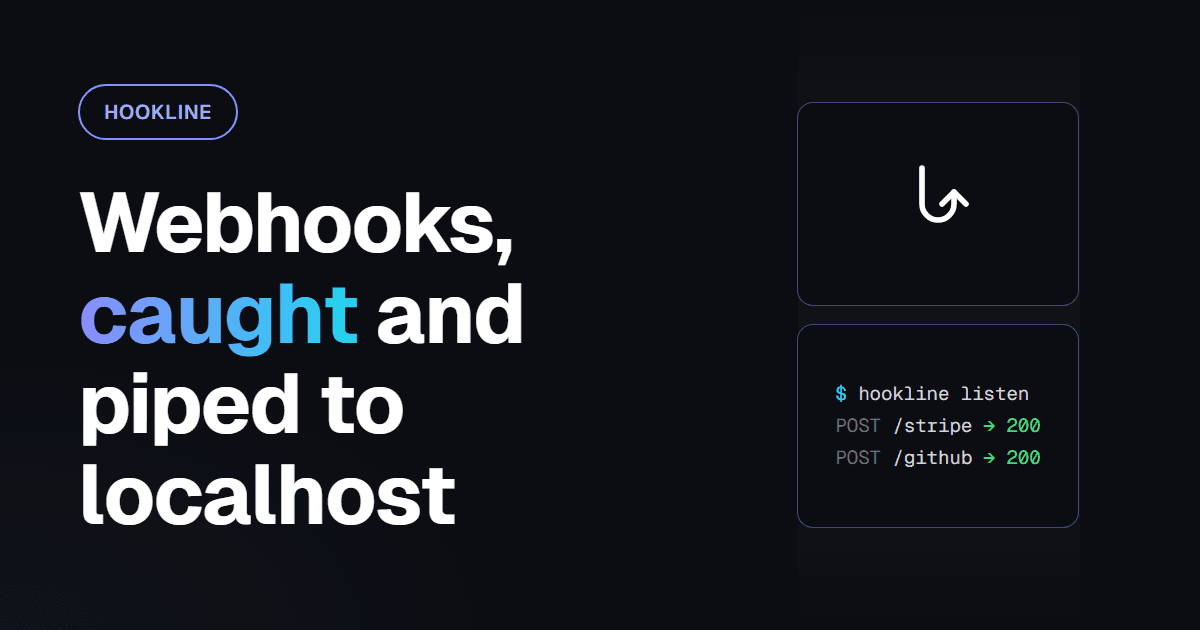
Most of the code I write runs because I call it. A command handler runs when someone types a command, a page renders when someone opens it. Webhooks are different. Stripe decides when to call you, GitHub decides what the body looks like, and you find out you got it wrong after it already happened.
Hookline is the tool I built to stop guessing. It gives you a URL that captures every request sent to it, shows it live, verifies its signature, lets you replay it anywhere, and pipes it to localhost through a CLI tunnel. This post is about why I needed it, how I use it day to day, and how it's built.
The problem it solved for me
Right before Hookline I built VaultDrop, and it put me on both sides of a webhook at once:
- It takes payments through Stripe, so its billing depends on a webhook handler that I can only test by getting Stripe to call it.
- It also sends signed webhooks to its own users, with retries, and I had to prove those were correct.
Receiving webhooks I didn't control, and sending webhooks nobody could see inside. The loop for both looked like this:
- Deploy, because the sender needs a public URL.
- Trigger the event and hope it arrives.
console.log(body), read the logs, find out the field is calleddata.object.customer, notcustomer_id.- Fix it, deploy again, trigger again.
Every lap took minutes, and the worst failures were the quiet ones. A signature check that fails because of a wrong secret looks exactly like a signature check that fails because you parsed the body before hashing it. A retry that never fires looks exactly like a webhook that was never sent.
I wanted three things: see exactly what arrived, byte for byte; run it against the code on my machine without deploying; and send it again as many times as I liked. Hookline is those three things, plus everything that turned out to be needed to make them reliable.
Sixty seconds to a working URL
You don't need an account to start. Open hookline.vante.app, click Get a webhook URL, and you get a temporary endpoint that lasts 24 hours and holds up to 100 requests. Paste it anywhere a webhook URL is asked for and watch requests land in the inbox in about 100 ms.
When you want it on your machine, install the CLI:
npm install -g hookline-cli                 # any platform with Node 18+
brew install --cask kaanxsrd/tap/hookline   # macOS
scoop bucket add hookline https://github.com/kaanxsrd/scoop-bucket
scoop install hookline                      # Windows
Then sign in and open a tunnel:
hookline login
hookline listen k3Jx9QpL2mWa --forward http://localhost:3000/api/webhooks
✓ Forwarding https://hookline.vante.app/h/k3Jx9QpL2mWa → http://localhost:3000/api/webhooks
12:04:31 POST /h/k3Jx9QpL2mWa/stripe → 200 38 ms payment_intent.succeededhookline login uses a device code: the CLI shows a code, you approve it in the browser and pick an organization, and the CLI stores an API key that only your user can read. If you sign up, you can claim a temporary endpoint and keep everything it already captured.
How I use it
These are the workflows I reach for most, roughly in order of how often.
1. Building a webhook handler locally
This is the one the tool exists for. Point Stripe (or GitHub, Shopify, Slack…) at your Hookline URL once, then run:
hookline listen <slug> --forward http://localhost:3000/api/webhooksEvery request is forwarded with its method, sub-path, query, headers and body, and the CLI prints what your server answered. The webhook URL never changes, so you configure the provider once and stop touching its dashboard.
A few flags make it fit an existing app instead of the other way round:
| Flag | What I use it for |
|---|---|
--path-rewrite /stripe=/api/billing/webhook | One endpoint, several providers on sub-paths, each mapped to its own route |
--header X-Debug:1 | Tag forwarded requests so my server can log them differently |
--filter-method POST | Ignore the GET health checks some providers send |
listen takes up to ten slugs at once, so one terminal can carry Stripe, GitHub and Discord together. If the network drops or the server restarts, the tunnel reconnects by itself and replays what it missed.
2. Not waiting for the real event
Waiting for a real payment_intent.succeeded means making a real payment. trigger sends a realistic sample instead:
hookline trigger --list
hookline trigger <slug> stripe.payment_intent.succeeded
Samples cover Stripe, GitHub, Shopify, Discord and generic JSON, and they're signed with the endpoint's secret, so they arrive verified and exercise your signature check too. It works in CI as well: set HOOKLINE_API_KEY and fire events at a test deployment as part of a pipeline.
3. Knowing whether the signature is the problem
Add your provider's signing secret to the endpoint and Hookline checks every request the moment it lands: Stripe, GitHub, Shopify, Slack, Discord, Standard Webhooks and generic HMAC-SHA256. Each request is marked verified or invalid.
This splits the most annoying class of bug in two. If Hookline says verified and your server says invalid, the bug is in your code, and nine times out of ten it's because the framework parsed the JSON before you hashed the raw body. If Hookline says invalid too, the secret is wrong and your code is fine. You stop debugging both at once.
Hookline never rejects a request for a bad signature. The sender always gets its normal response. Verification is information, not a gate, because a gate would hide exactly the requests you need to see.
4. Reproducing a bug with the exact payload
Once a request is captured, you can send it again as many times as you want:
hookline replay <requestId> --to http://localhost:3000/api/webhooks
hookline replay <requestId> --cli --edit
--to sends it straight from your machine. --cli sends it to every CLI listening on that endpoint. --edit opens the request as YAML in your editor first, so you can flip status: "active" to status: "past_due" and see what your handler does with the one case Stripe will only send you at 3 a.m.
The same thing is a button in the dashboard, with Edit & replay for changing the payload. Sensitive headers stay masked even while you edit; the server fills the real values back in, so they never reach the browser.
5. Testing the webhooks you send
This is the VaultDrop half of the problem, and since then Faultline's alert webhooks too. When your app is the sender, Hookline is the receiver you can see inside:
- Point your app's webhook setting at a Hookline URL and look at what you actually sent: headers, timestamp, signature format.
- Set the endpoint's signing scheme to Standard Webhooks with your secret, and it tells you whether a real consumer would accept your signature.
- Configure a custom response, say a
503or a 10-second delay, and watch whether your retries back off the way you think they do.
That last one is the test I couldn't easily run before. "Does my sender handle a slow, failing receiver?" is hard to answer when the only receivers you have work fine.
6. Answering the sender from your machine
Most senders only care that you answered 2xx. Some care what you answered: Discord's interactions endpoint, for example, expects a real response body to its ping. For those, put the endpoint in CLI sync mode and run:
hookline listen <slug> --forward http://localhost:3000/interactions --syncNow the sender gets your local server's status, headers and body instead of the endpoint's static response. If your server is down or too slow, the configured response goes out instead, so the sender never hangs.
7. Forwarding in production
An endpoint can also forward to destinations: real URLs, with filters on method, headers and JSON paths. Every delivery is queued durably and retried with exponential backoff, and every attempt is logged, with one-click retry for the ones that failed for good. I use this to send one Stripe stream to two places, production and a staging copy, filtered so staging only sees test-mode events.
Destinations can never reach private networks, so a forwarding rule can't be pointed at someone's internal admin panel.
Tips that save time
- One endpoint per provider, sub-paths per environment. Hookline accepts every method on any sub-path, so
/stripe/liveand/stripe/testcan share an endpoint and still be filtered apart. - Add the signing secret on day one. The verified badge is the cheapest debugging you'll ever get.
- Copy as cURL. Any request can be copied as cURL, fetch or HTTPie, which is the fastest way to turn a captured webhook into a test fixture.
- Pipe it.
hookline tail <slug> --json | jq .prints requests live without forwarding them, and makes the CLI scriptable. - Use
--editinstead of hand-writing payloads. Start from a real capture and change one field. Hand-written fixtures always miss the field the provider added last month.
How I built it
Hookline is a monorepo with three services, and the split comes from what each part has to be good at.
sender ──▶ Caddy ──▶ edge (Go)    intake · live SSE · CLI tunnels
                 └─▶ web (Next.js) dashboard · docs · REST API
                     worker (Go)   forwarding · retries · replays · retention
          PostgreSQL (everything durable, incl. the job queue) · Redis (optional) · S3
The edge is Go because intake is the part that can't be slow or fall over. It captures a request, stores it, announces it and answers, then streams it to open inboxes over server-sent events and to CLIs over WebSocket. The worker is Go too, and uses PostgreSQL itself as its job queue (River), so there's no separate broker to run. The web app is Next.js with tRPC for the dashboard, Better Auth for accounts, passkeys and two-factor, and a REST API described by OpenAPI.
A few decisions I'm happy with:
- A request and its deliveries are written in one transaction. When intake stores a request, it inserts a delivery row and a job for every matching destination at the same time. A crash can never leave a request that should have been forwarded but wasn't.
- Redis is never the source of truth. If it goes down, intake keeps working: endpoints load from Postgres and rate limiting fails open. Only live updates and tunnels degrade.
- IDs are UUIDv7, and that powers resume. A request's ID is also its SSE event ID and sorts by time. When a browser or CLI reconnects, it sends the last ID it saw and the edge replays everything newer before going live again.
- Requests live in day-partitioned tables. Retention drops whole partitions instead of deleting rows one by one.
- I wrote the tunnel protocol down before I wrote the code.
hookline.v1is a short spec: frames, close codes, keep-alive, resume. The edge and the CLI share one Go package for it. Having close codes like "your key was revoked, log in again" versus "the edge is restarting, come back in a second" is what makes the CLI reconnect politely instead of hammering a server mid-deploy. - Forwarding checks every address at dial time. Checking a URL when it's saved isn't enough, because DNS can change afterwards. The check happens on every connection, redirects aren't followed, and private ranges are refused.
I built it in fourteen milestones, from the scaffold to the release pipeline, and wrote the README last, for users first and contributors second. CI runs linting, unit tests, a Playwright suite and vulnerability scans, and every green build on main deploys automatically. The CLI is a native binary for macOS, Linux and Windows, released through goreleaser to GitHub, npm, Homebrew and Scoop. The whole stack also self-hosts with one Docker Compose command, with automatic TLS and daily backups.
Version 1.0.1 exists because of npm, not because of a bug in Hookline. npm's spam filter blocked the package name of the Windows x64 binary, so npm install -g hookline-cli failed on exactly the platform I was sitting at. The platform binaries now live under a scope, and the install command didn't change.
What I'd tell myself before starting
- Build the tool for the bug you keep having. Hookline started as "I'm tired of redeploying to read a request body". Everything else grew from that.
- Never reject what you're supposed to observe. An inspector that drops bad requests is useless for the requests you most need to inspect.
- Make the queue and the data the same database. A transactional outbox in Postgres removed a whole category of "the job ran but the row didn't exist" bugs.
- Specify protocols before implementing them. A written spec with close codes is what lets two programs disagree politely.
- Distribution is its own project. Getting one binary onto three package managers is real work, and the package registry can fail you in ways your tests never will.
If you deal with webhooks, try it at hookline.vante.app. The docs cover every CLI command, and the source is GPL-3.0. If you want to see how I structure my other projects, I wrote about the architecture behind my Discord bots.